Free AI Photo Editor Online - Ezeditor AI

Upload a photo and tell ezeditor what you want to change. Let AI bring your edits to life, with no editing skills or sign-up needed.

Describe your idea

Get Inspired

Explore photo edits, portraits, illustrations, and AI-generated images.

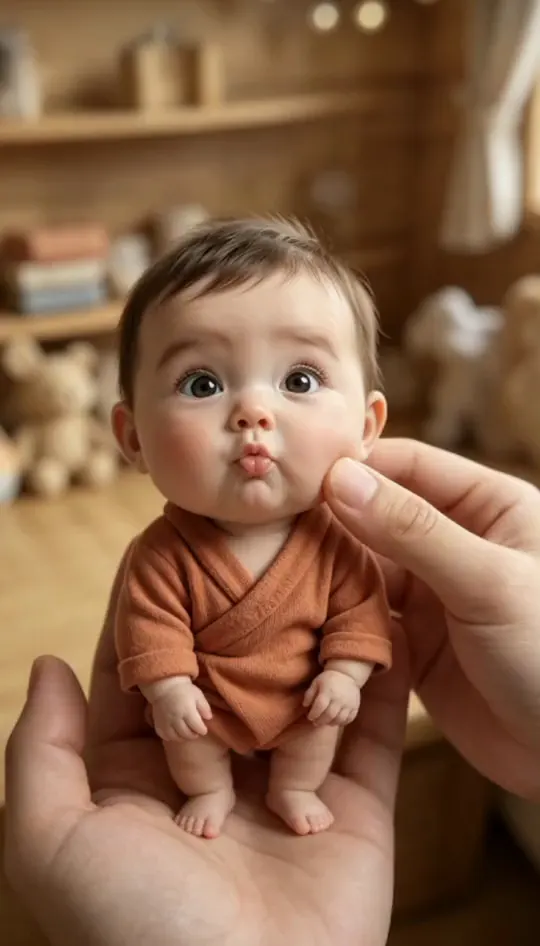
Miniature Portrait
Miniature Portrait
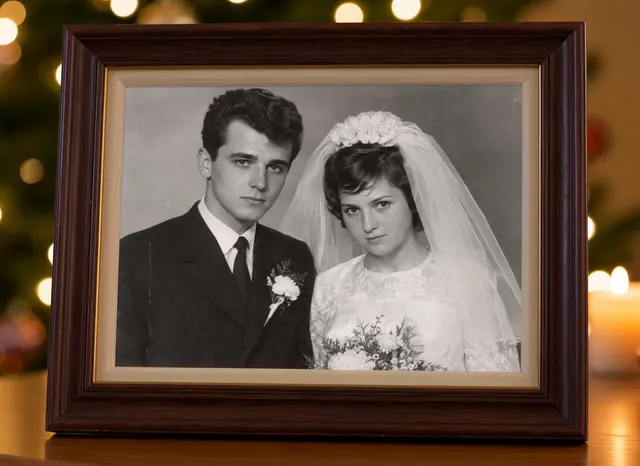
Vintage Wedding Photo
Character Illustration
3D Characters
3D Characters
Imagined City
Imagined City
Fantasy Architecture
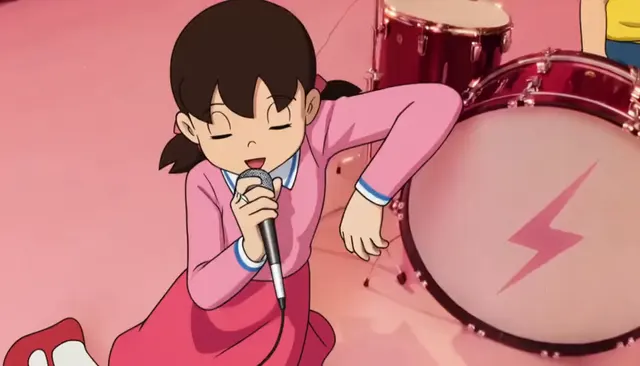
Anime Illustration
Anime Illustration
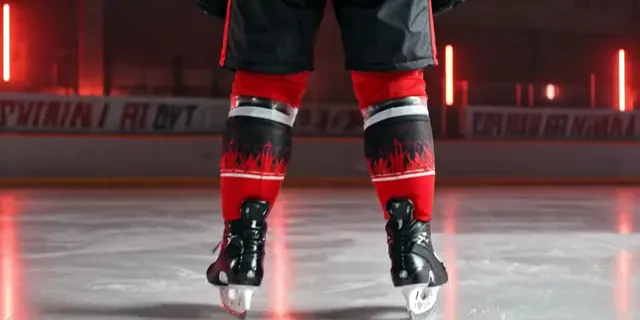
Sports Photography
Sports Photography
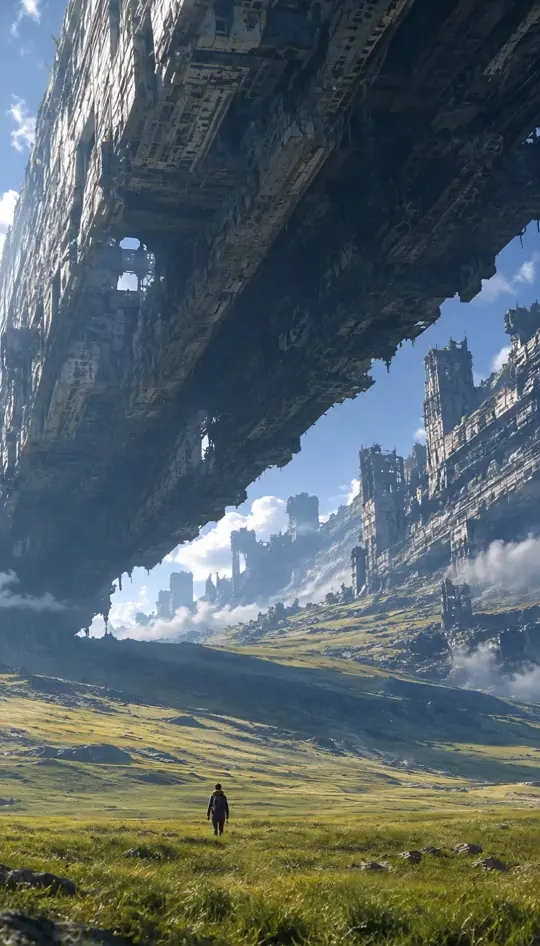
Fantasy Landscape
Fantasy Landscape
Illustrated Scene
Illustrated Scene
Earth from Space
Earth from Space
Everyday Portrait
Everyday Portrait
Anime Character
Anime Character
Macro Photography
Macro Photography
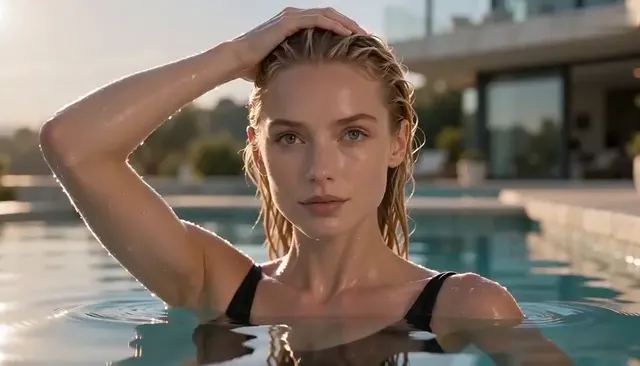
Poolside Portrait
Poolside Portrait
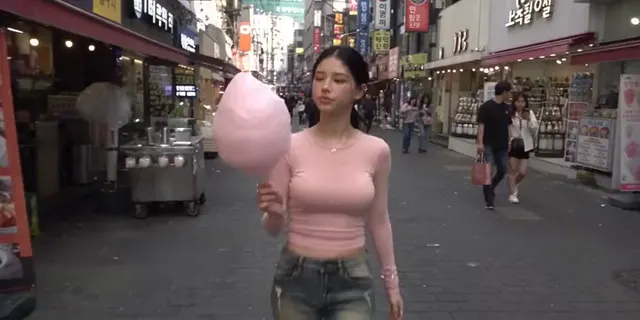
Street Photography
Street Photography

FEATURES

An AI Photo Editor for the Changes You Have in Mind

Your photo is the starting point. Use our AI image editor to try a new style, update text, clear distractions, or bring AI visuals closer to natural photography. Edit photos with a template or describe the changes in your own words.

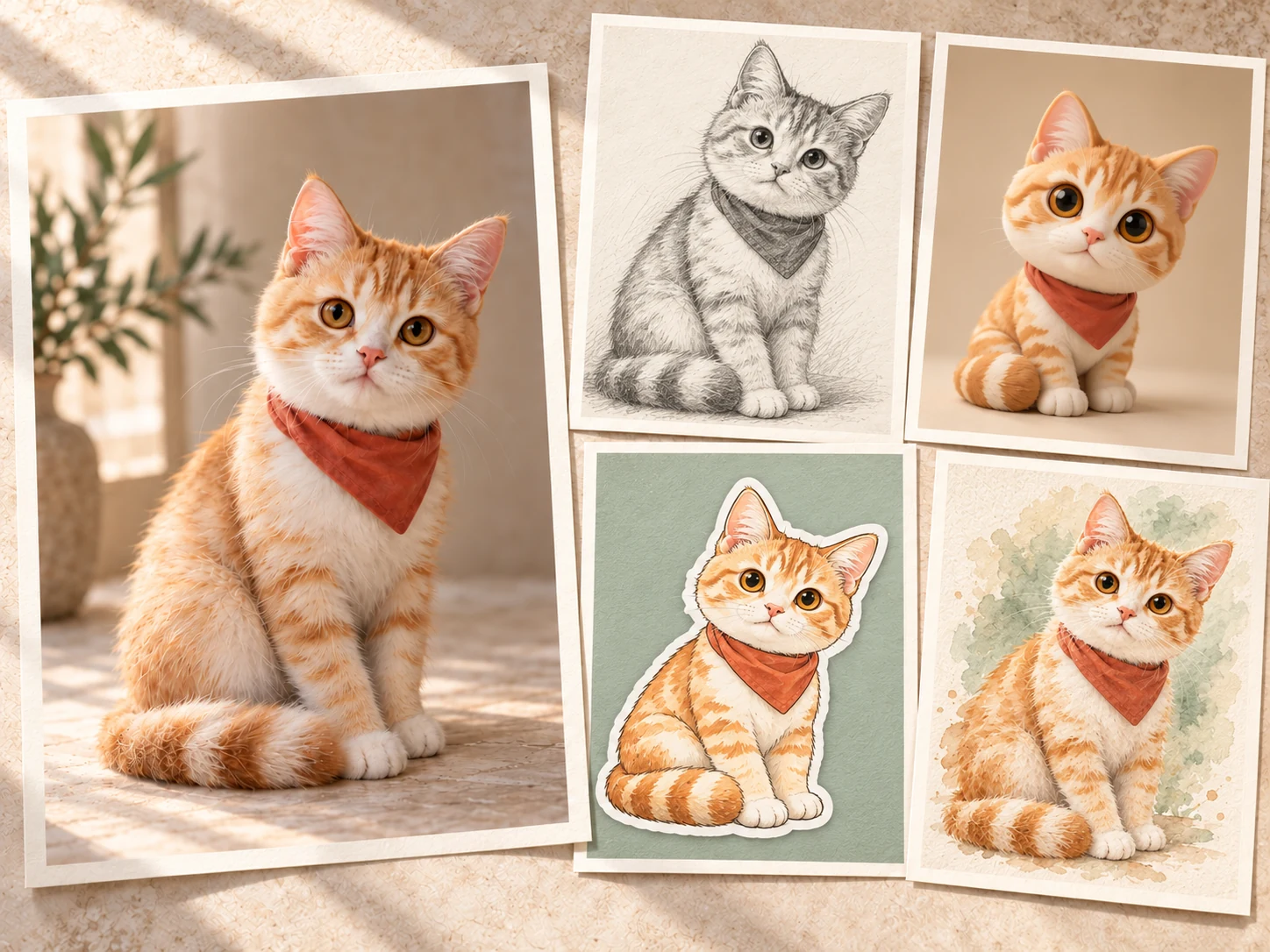
A large original cat photo beside four paper prints showing the same cat as a pencil sketch, chibi 3D character, illustrated sticker, and watercolor painting.

Explore New Styles with AI Photo Editor Templates

Choose a photo editing template to turn a portrait or pet photo into a sketch, watercolor, 3D character, or sticker. Upload your image, then describe the details you want to adjust. Explore a new look with room to make it your own.
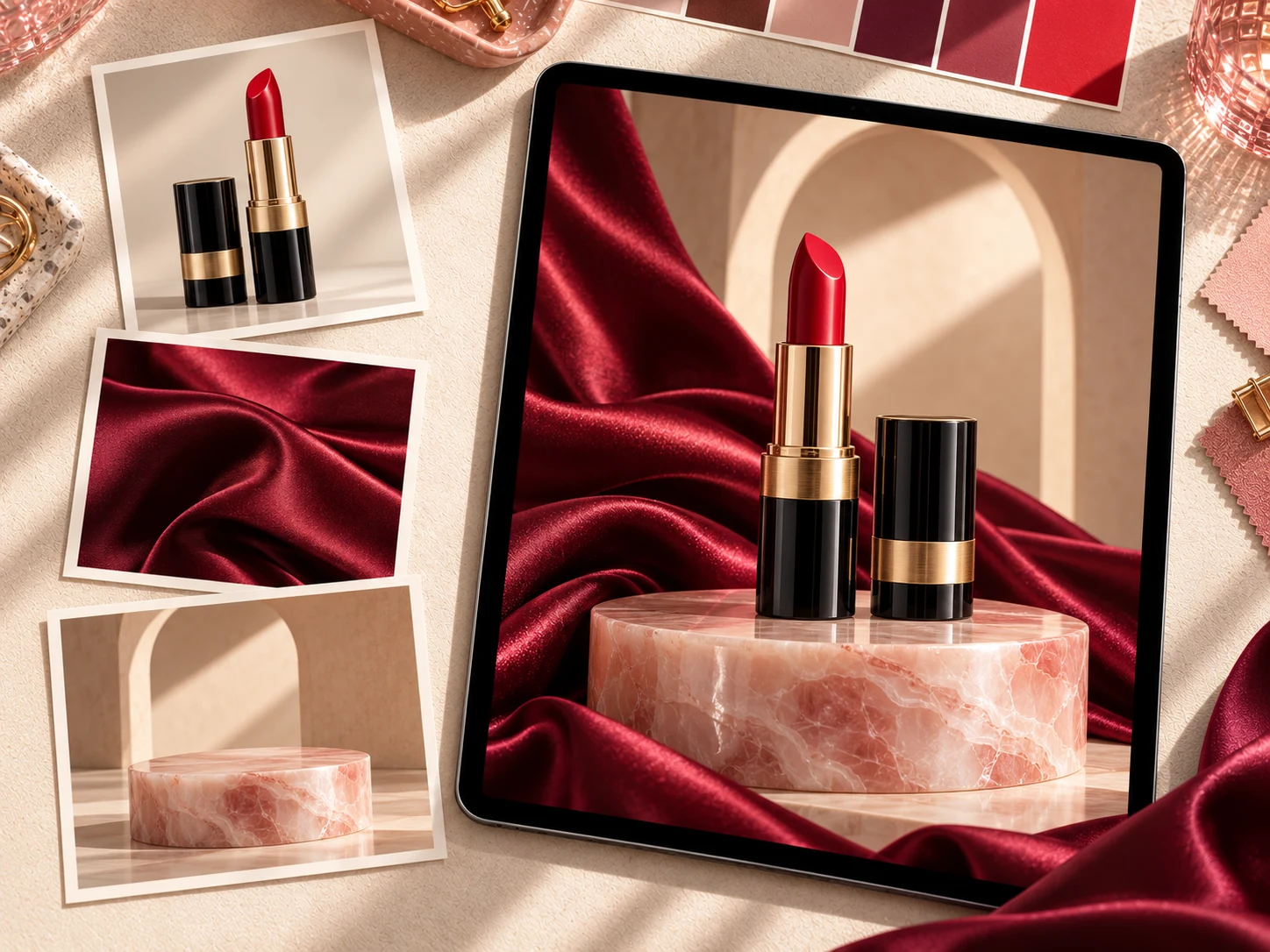
Three reference photos of a lipstick, burgundy silk, and a pink stone pedestal beside a tablet showing them combined into one beauty campaign image.

Blend Multiple Reference Images with an AI Image Editor

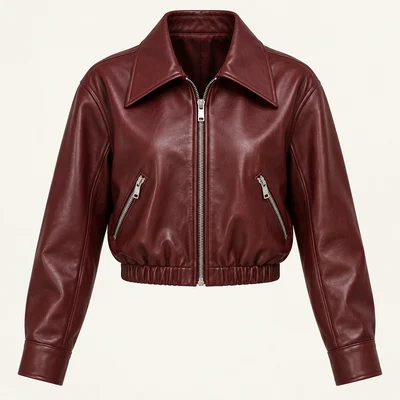
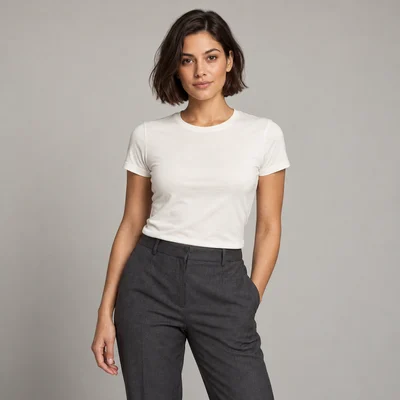
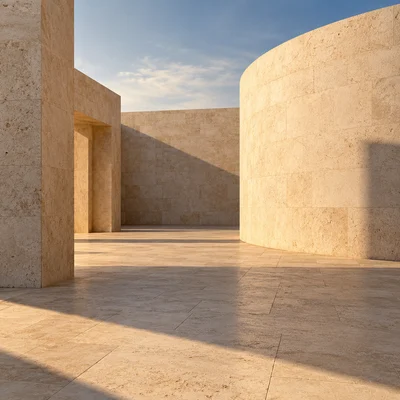
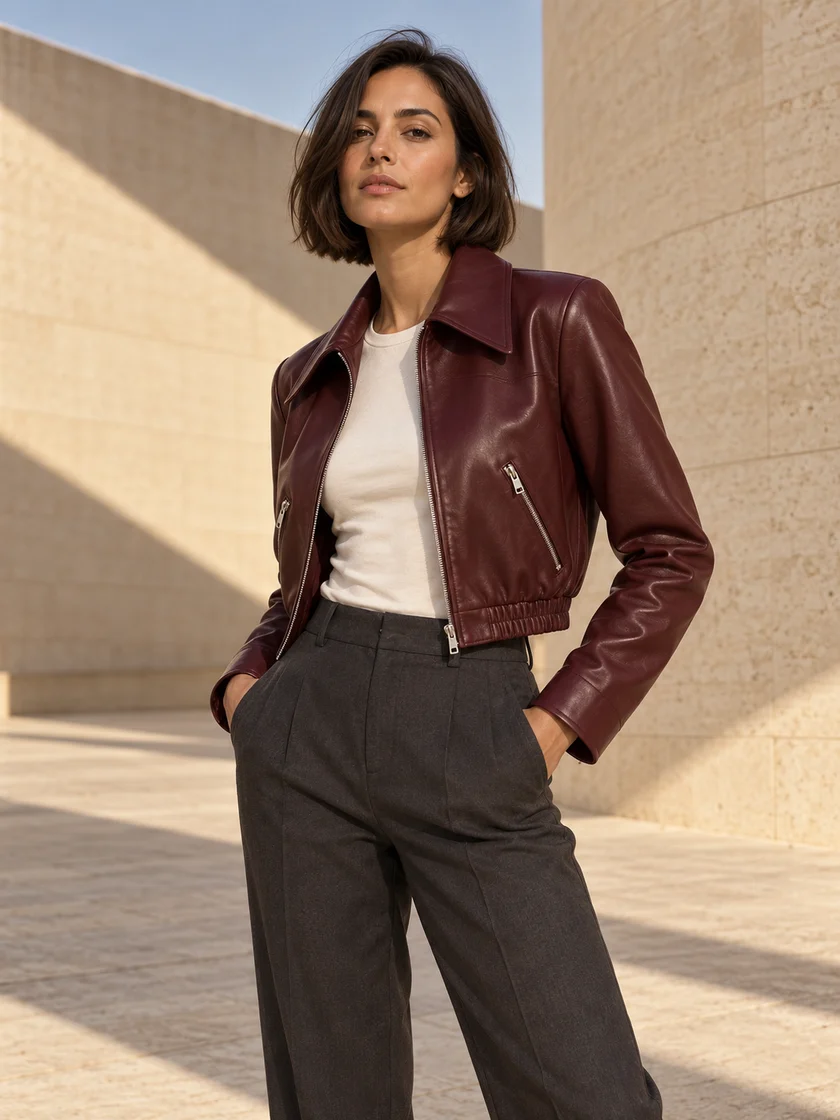
Use one image for your subject, another for a material or style, and a third for the setting. Upload multiple reference images and describe what to take from each. Our AI image editor brings these references together into a new composition for product campaigns, portraits, or creative scenes.

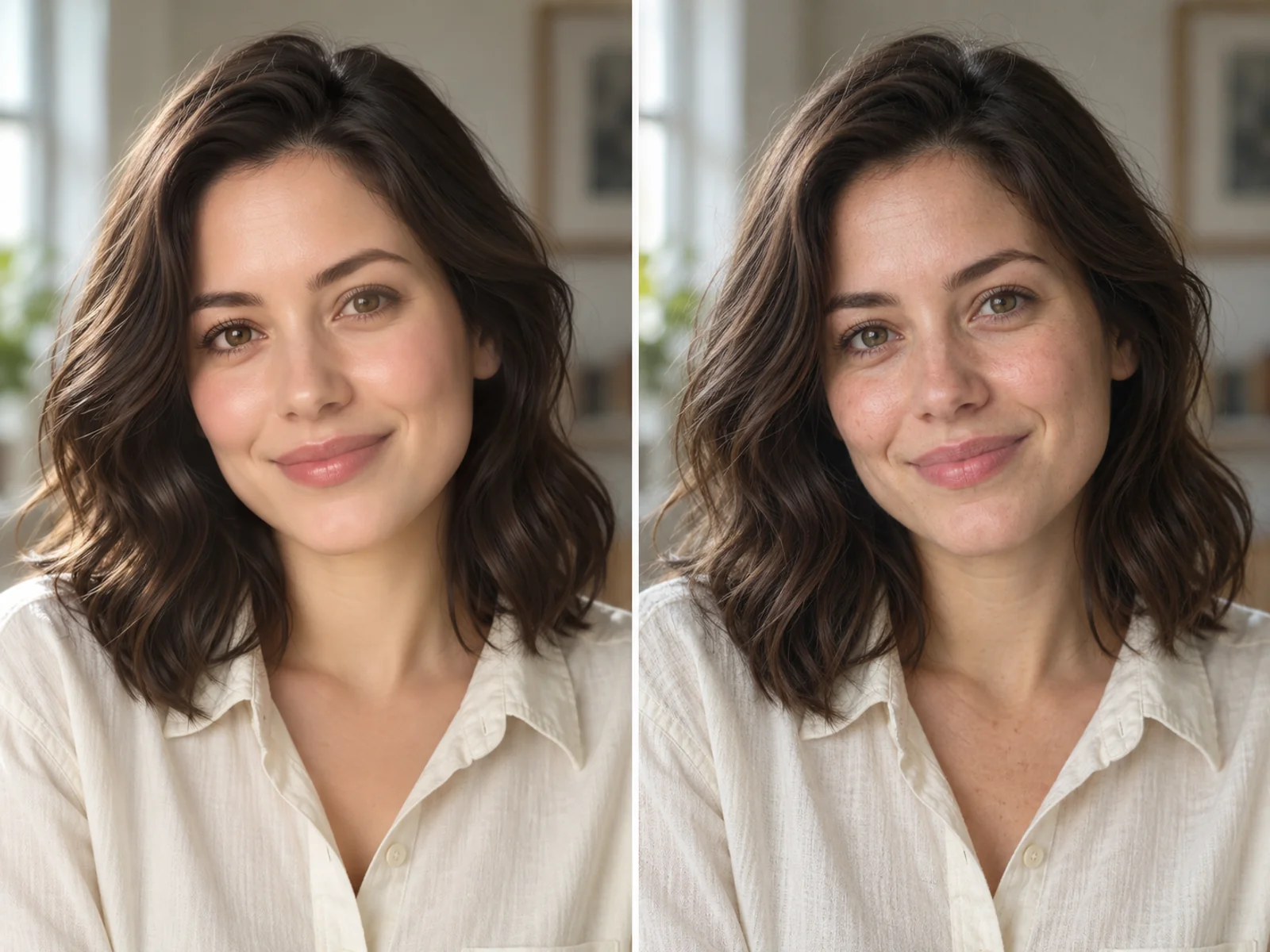
The same AI portrait before and after an edit showing more natural skin texture, hair, and lighting.

AI to Real: Give AI Images a Natural Photographic Look

Give AI portraits and product renders a more photographic look. Use our AI image editor to refine overly smooth skin, artificial shine, and flat lighting. AI-to-real editing introduces natural textures and more believable shadows, using your original subject and composition as a guide.

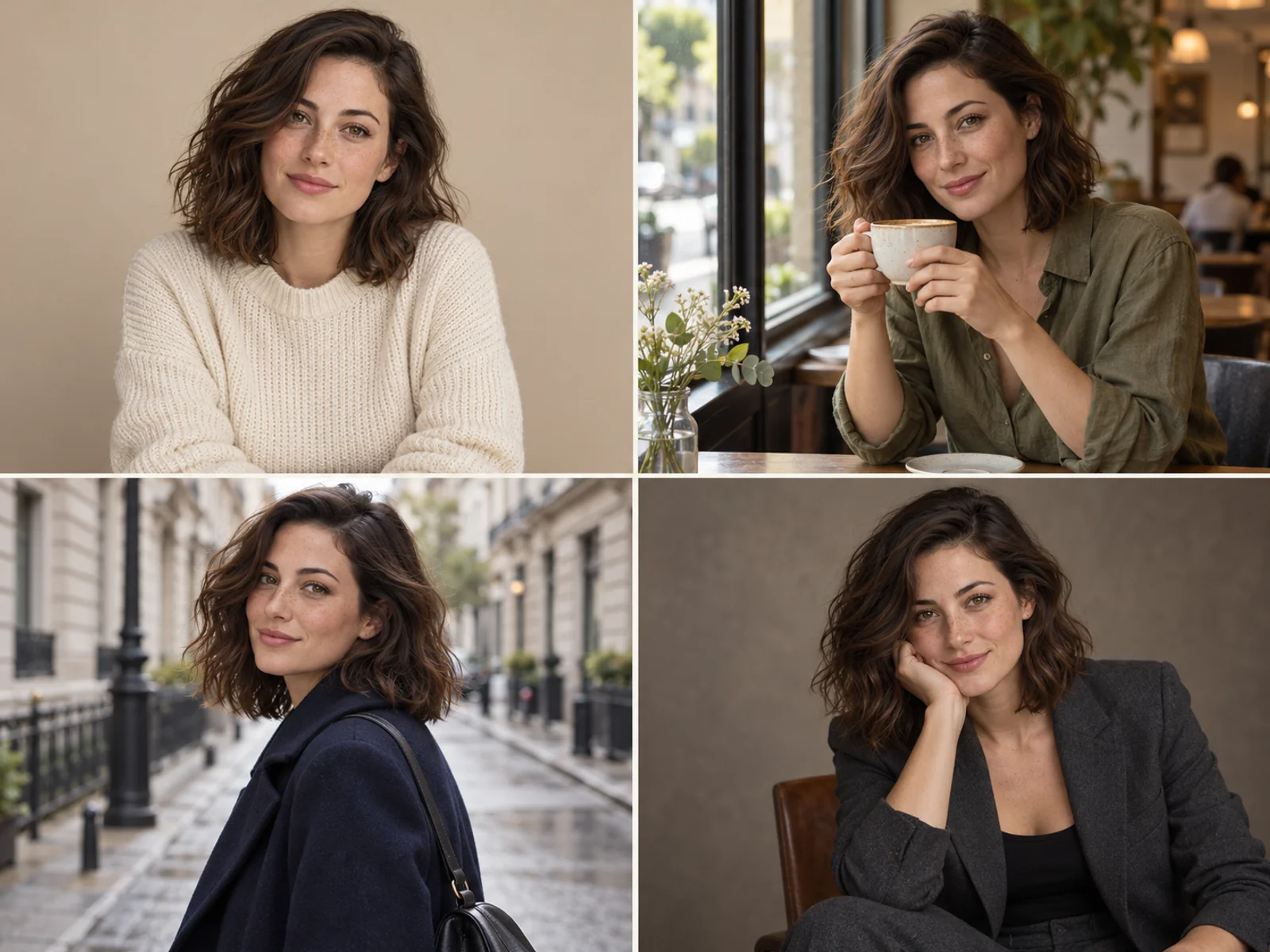
The same woman shown in a reference portrait, café scene, city street, and studio portrait.

Keep Your Character Consistent Across Scenes

Use reference photos to guide character consistency across new outfits, poses, and settings. Our AI image editor helps you edit images around the same recognizable face, hairstyle, and defining features, making it easier to develop connected portraits, story scenes, or campaign visuals.

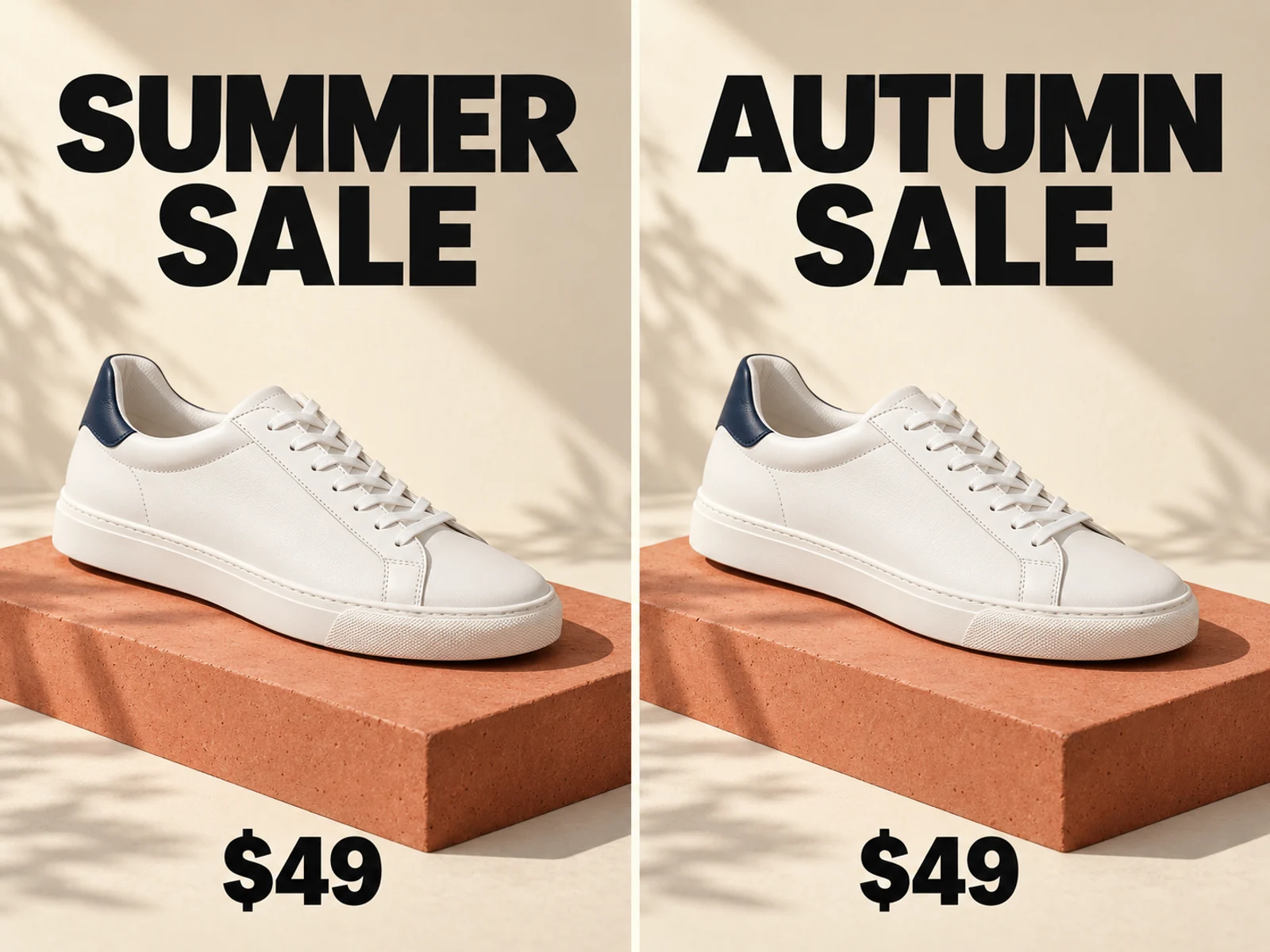
A sneaker sale poster with its headline changed from Summer Sale to Autumn Sale while the design stays consistent.

Edit Text in Images with an AI Image Editor

Edit text in images to update a poster headline, change a price, or replace the wording on a sign. Describe the replacement text and the typography, placement, and layout you want to retain. The AI image editor helps you revise existing visuals without rebuilding the entire design.

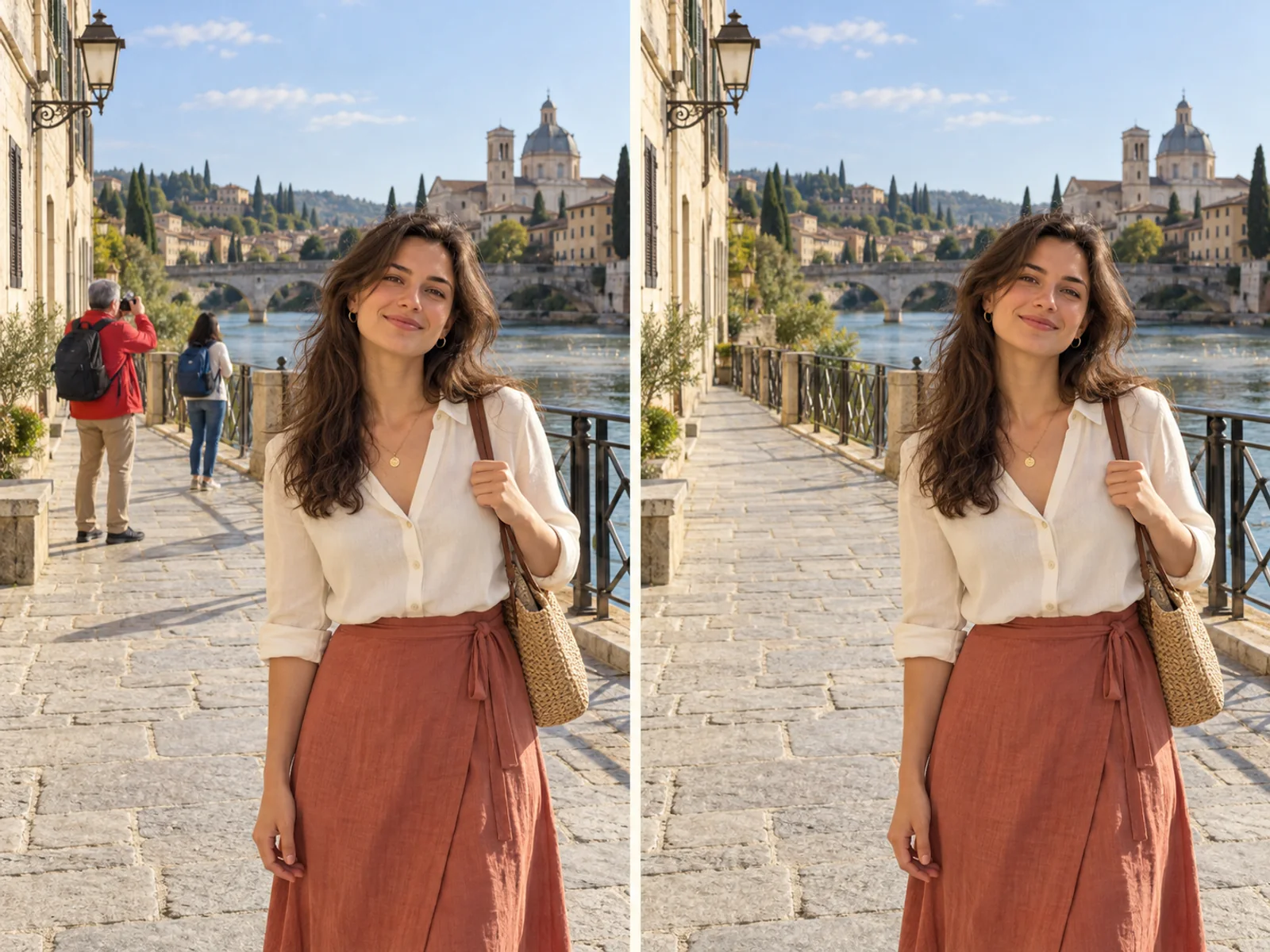
A travel portrait before and after two background tourists are removed from the riverside walkway.

Remove Unwanted Objects and People from Photos

Remove objects from photos to clear away photobombers, stray cables, and distracting clutter. Tell the AI photo editor what to remove, then edit photos with the surrounding scene as a guide for filling the area. Create cleaner compositions that bring attention back to your subject.

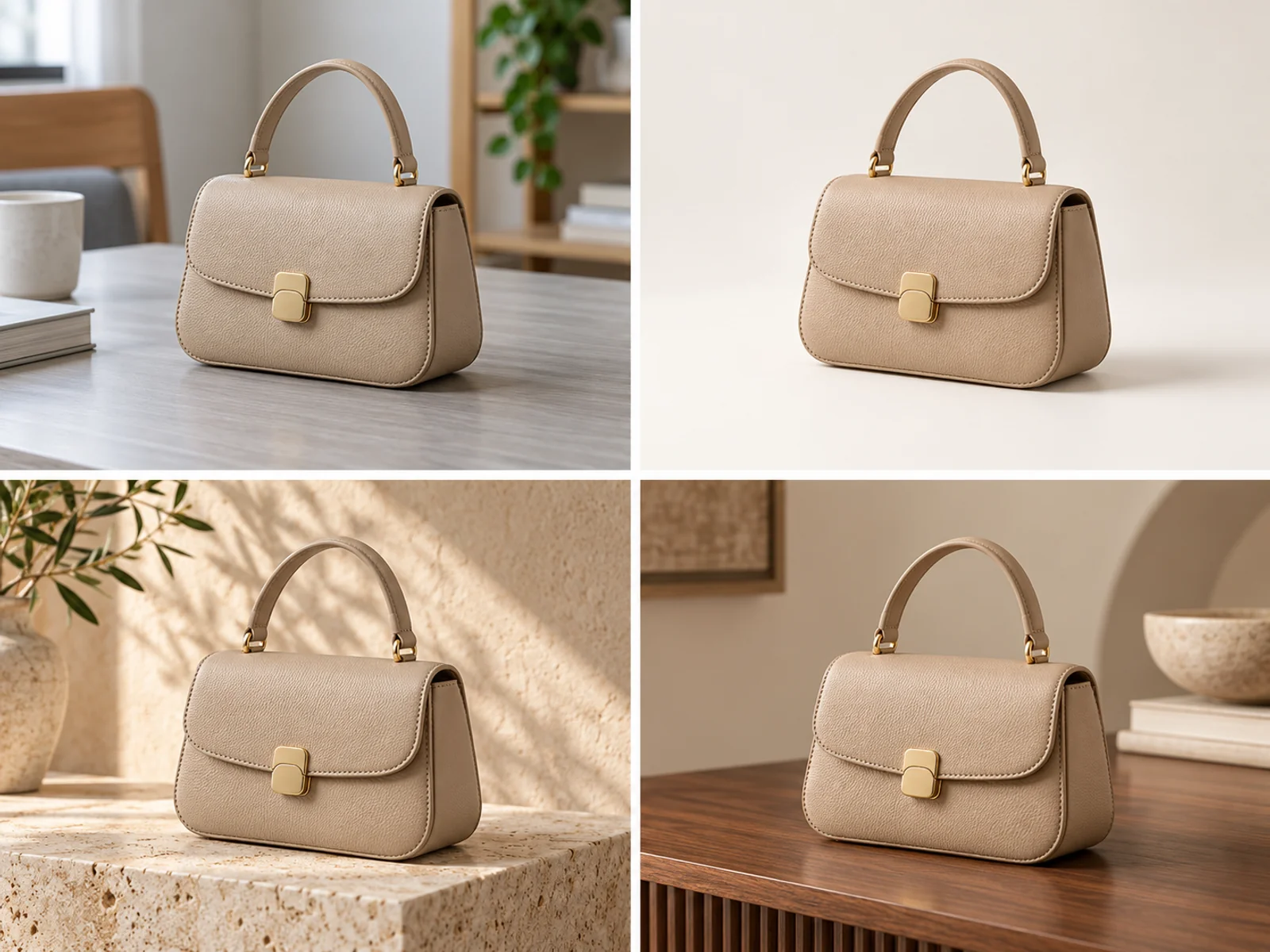
The same leather handbag shown on an everyday table and in three replacement backgrounds for product photography.

Replace Backgrounds for Products and Portraits

Edit image backgrounds to place a product on a clean studio backdrop or give a portrait a new setting. Describe the scene, lighting, and mood you want, then use the AI image editor to explore background replacement for product listings, social posts, or campaign visuals.

HOW IT WORKS

Edit photos with our AI photo editor in 4 steps

Upload a photo, describe your changes, and start editing in seconds.

  1. Upload & describe

    Upload your references and describe your idea, such as combining a garment, a model, and a background into a fashion ad. Supports PNG, WebP, and JPG, up to 20 MB per image.

  2. Choose an editing model

    Choose an image editing model in Image Editor: Nano Banana 2.1 for image blending and subject consistency; GPT Image 2.5 for precise edits and complex instructions; Grok Imagine Image 2.0 for typography and creative styles.

  3. Set up & generate

    Set the aspect ratio, resolution, and other options available for your model. Then generate your creation.

  4. Preview, download & refine

    Preview your finished work and download it. Adjust your prompt or settings and generate again to refine the result.

WHY EZEDITOR

Why Choose Our AI Photo Editor?

An AI image editor that makes everyday edits easier, with reference-guided results and multiple models to explore.

Edit Photo with Simple Prompts

Describe your changes in everyday language. Adjust lighting, remove distractions, or try a new look directly in your browser, without learning complex editing tools.

Keep the Details That Matter

Edit image backgrounds, outfits, and styles with reference photos as your guide. Help preserve recognizable faces and defining product details as you explore new ideas.

Multiple Models, One Workspace

Choose from multiple AI models for detailed edits, image blending, and creative styles. Try different approaches in one place and refine the result to suit your project.

Pricing

choose your plan for AI Photo Editing

Choose a credit plan that fits how often you edit.

Free

Free

Try creating a dance video

Get Started For Free

  • Signup bonus credits
  • Daily free credits
  • 720p and 1080p generation

    Max

    $19.9/month

    More monthly credits for frequent creators

    Get Started

    • 600 credits each month
    • Credits valid for 30 days
    • Monthly or annual billing
    • Failed generations refunded

      Ultra

      $39.9/month

      More monthly credits for demanding creators

      Get Started

      • 1,000 credits each month
      • Credits valid for 30 days
      • Monthly or annual billing
      • Failed generations refunded

        FAQs

        AI Photo Editor FAQs

        Learn about free credits, photo editing, watermark-free downloads, and commercial use.

        Is this AI photo editor really free?

        Yes. Free credits let you try the full photo editing features of Ezeditor AI without purchasing a plan first. Registered users can claim 10 free credits every day. The number of edits depends on the credits used by your chosen model and settings.

        Will my free edits have a watermark?

        No. Ezeditor AI offers watermark-free downloads to every user. Free users can save clean, complete editing results for sharing, presentations, or further design work.

        What can I change in my photos?

        You can replace backgrounds, remove unwanted objects, change outfits, edit image text, or explore a new visual style. Describe what you want to change and tell the AI which details to keep.

        Do I need photo editing experience?

        No. Describe your changes in everyday language, such as “remove the person in the background” or “make the lighting softer.” There is no need to learn complex editing tools.

        Do I need to sign up to use this AI photo editor?

        No. You can get 5 free credits and start editing with Ezeditor AI without logging in. Create an account to claim 10 free credits every day, and purchase additional credits whenever you need more.

        Can I use multiple reference images?

        Yes. Models that support multiple references can combine several images in one edit. Explain what to use from each image, such as the subject, clothing, background, or style. Reference limits vary by model.

        How can I upload photos from my phone to the editor on my computer?

        Click “Upload from phone” in the editor and scan the on-screen QR code with your phone. Select the photos you want to edit to upload them directly to your current editor, without transferring them to your computer first.

        What kind of photo works best for editing?

        Choose a clear, well-lit photo with the full subject visible. Avoid heavily blurred images or photos with important details obscured. Check your chosen model’s upload guidance for supported image formats and file sizes.

        Can I keep the original features of a person or product?

        Reference images and clear instructions can help preserve key features, such as a face, hairstyle, or product shape. Specify which details should stay the same. Results vary by model and the changes you request.

        Can I use images generated for free commercially?

        Yes. Free users can use edited images for product listings, social media, or marketing designs, with no extra charge for watermark-free downloads. Make sure you have the appropriate rights to use your uploaded photos and reference materials.

        Is my data safe when I edit photos online?

        We value your photos and personal information. Please see our privacy policy for details about how uploaded content is handled, how data is used, and how your privacy is protected.

        Your next great image

        Edit Images with Free ai photo editor | EzEditor

        Edit photos, enhance details, restore old pictures, or create something new with AI.

        Start Editing Photos
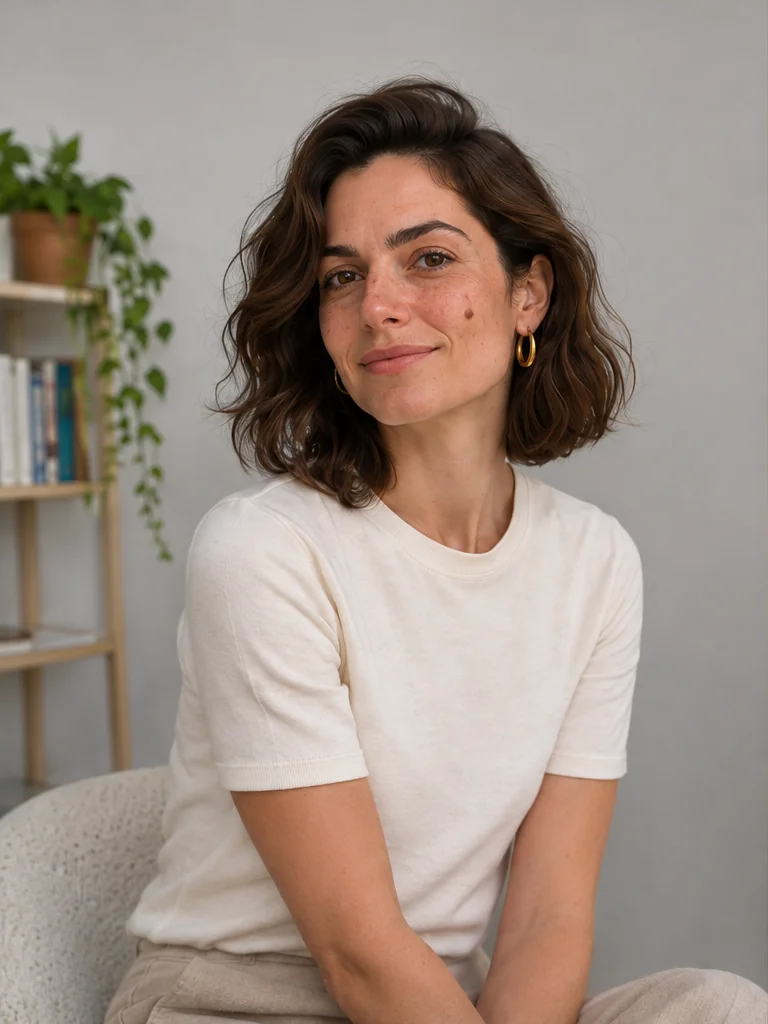
        An everyday portrait of a woman in an ivory T-shirt at home, before editing.Before
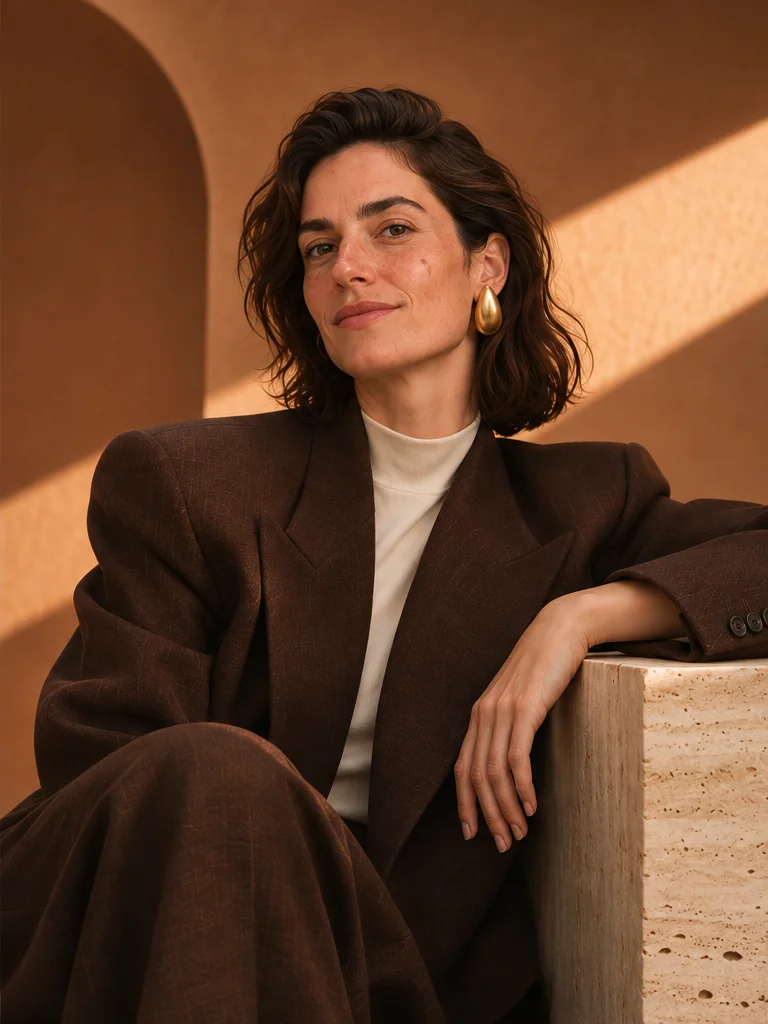
        The same woman styled for a fashion editorial, wearing a tailored brown suit in a warmly lit studio.After